> ## Documentation Index
> Fetch the complete documentation index at: https://abd.mintlify.site/llms.txt
> Use this file to discover all available pages before exploring further.
# Get Started
> Learn how to get started with the Automated Menu Ordering System.
 ## Introduction
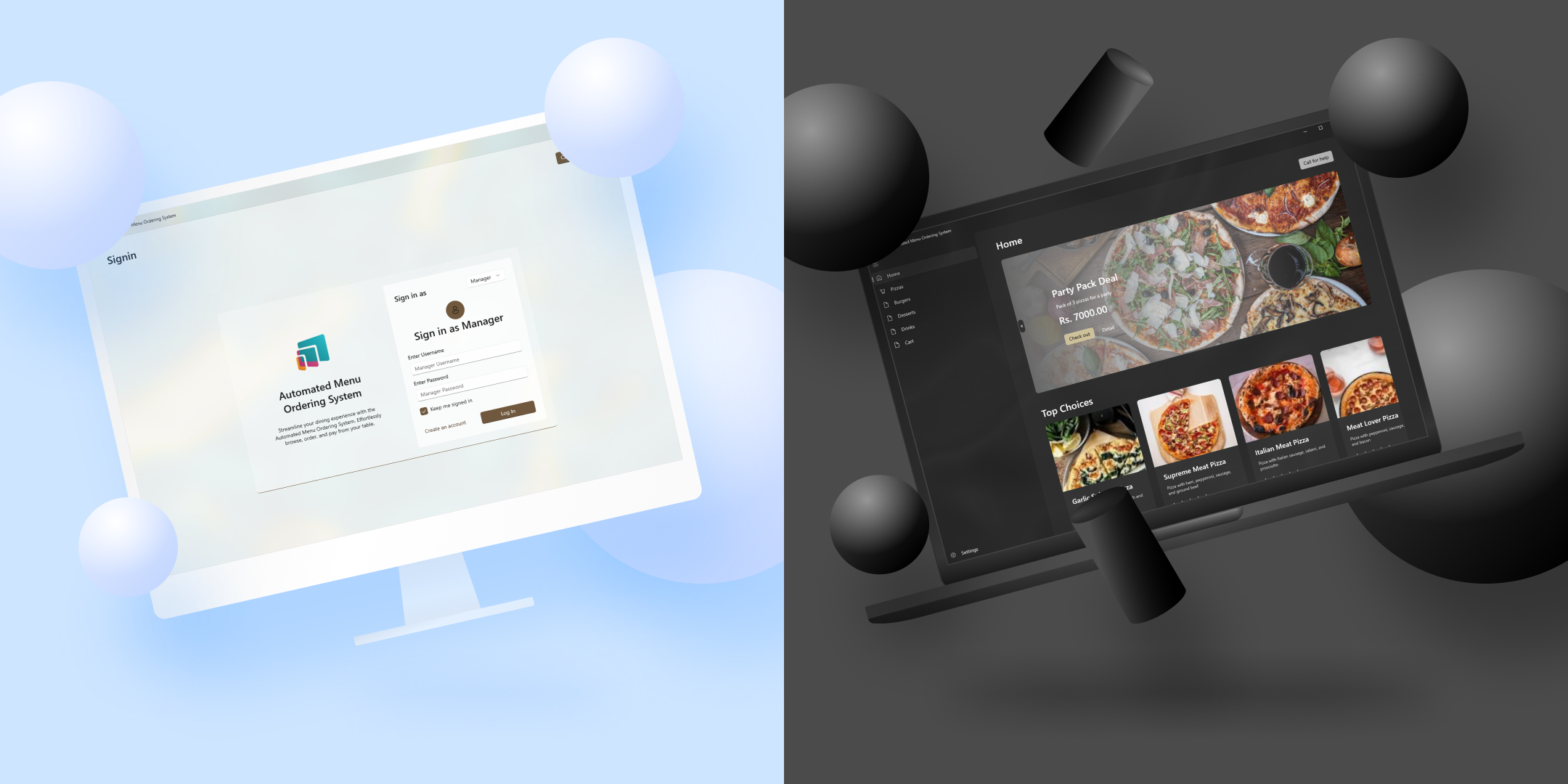
The Automated Menu Ordering System is a web-based application that allows customers to place orders from a restaurant's menu. It provides an easy and convenient way for customers to order food and drinks without the need for a physical menu or waiter.
Understand its objectives, tools, and technologies, and explore the planning phase.
Learn how to install and set up the Automated Menu Ordering System.
Discover how to use the Automated Menu Ordering System as an admin, manager, or customer.
## Introduction
The Automated Menu Ordering System is a web-based application that allows customers to place orders from a restaurant's menu. It provides an easy and convenient way for customers to order food and drinks without the need for a physical menu or waiter.
Understand its objectives, tools, and technologies, and explore the planning phase.
Learn how to install and set up the Automated Menu Ordering System.
Discover how to use the Automated Menu Ordering System as an admin, manager, or customer.